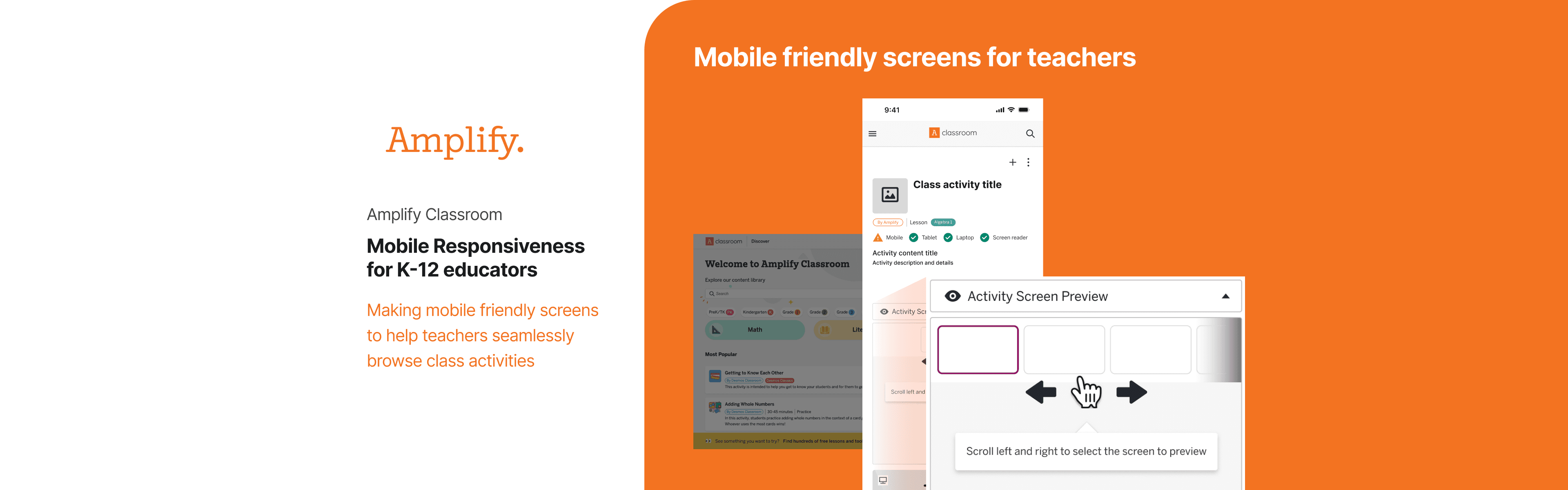
Amplify Classroom Mobile Responsiveness
Amplify Classroom Mobile Responsiveness
Preparing for growing mobile traffic among educators by auditing current web and mobile screens and proposing redesign directions
Preparing for growing mobile traffic among educators by auditing current web and mobile screens and proposing redesign directions
As (NDA)% of users complete their tasks on mobile devices, Amplify Classroom needs to be mobile friendly for teachers who want to preview activities on their phones. I audited the user flow and checked the broken screens and proposed the redesign direction, along with the guidance of senior designers and PMs.
As (NDA)% of users complete their tasks on mobile devices, Amplify Classroom needs to be mobile friendly for teachers who want to preview activities on their phones. I audited the user flow and checked the broken screens and proposed the redesign direction, along with the guidance of senior designers and PMs.
👩🏻💻 Role
👩🏻💻 Role
UIUX Designer
UIUX Designer
⏳ Timeline
⏳ Timeline
8 weeks
June-Aug 2025
8 weeks
June-Aug 2025
🤲 Mentors
🤲 Mentors
Senior Product Designer
Senior Product Managers
Senior Product Designer
Senior Product Managers
🛠️ Tools
🛠️ Tools
Figma, Notion
Figma, Notion
🤳🏼"I want to check new activities on the go"
- K**, 3rd grade teacher
👨🏻💻"I'm not always with my laptop, you know."
- D***, 6th grade teacher
..And that's why we need mobile strategy!

Teachers will do more tasks on their phones
In SY(NDA), (NDA)% of Amplify users completed their task on mobile devices
Mobile device usage is expected to rise beyond the current (NDA)%
as Amplify Classroom will be launched
We need to make the user experience consistent to prepare for more mobile usage
What do we need to fix for our teachers?
Issue #1
"Can you fix some broken screens?"
- K**, 3rd grade teacher
⚠️ Some distorted components in activity pages and lists needed to be fixed

Issue #2
"Some contents are hidden and I get confused"
- D***, 6th grade teacher
⚠️ Some essential contents required extra clicks and scrolls to see, hidden in depths
How I made Amplify Classroom mobile friendly
Solution #1
Enhancing components in class activity screens
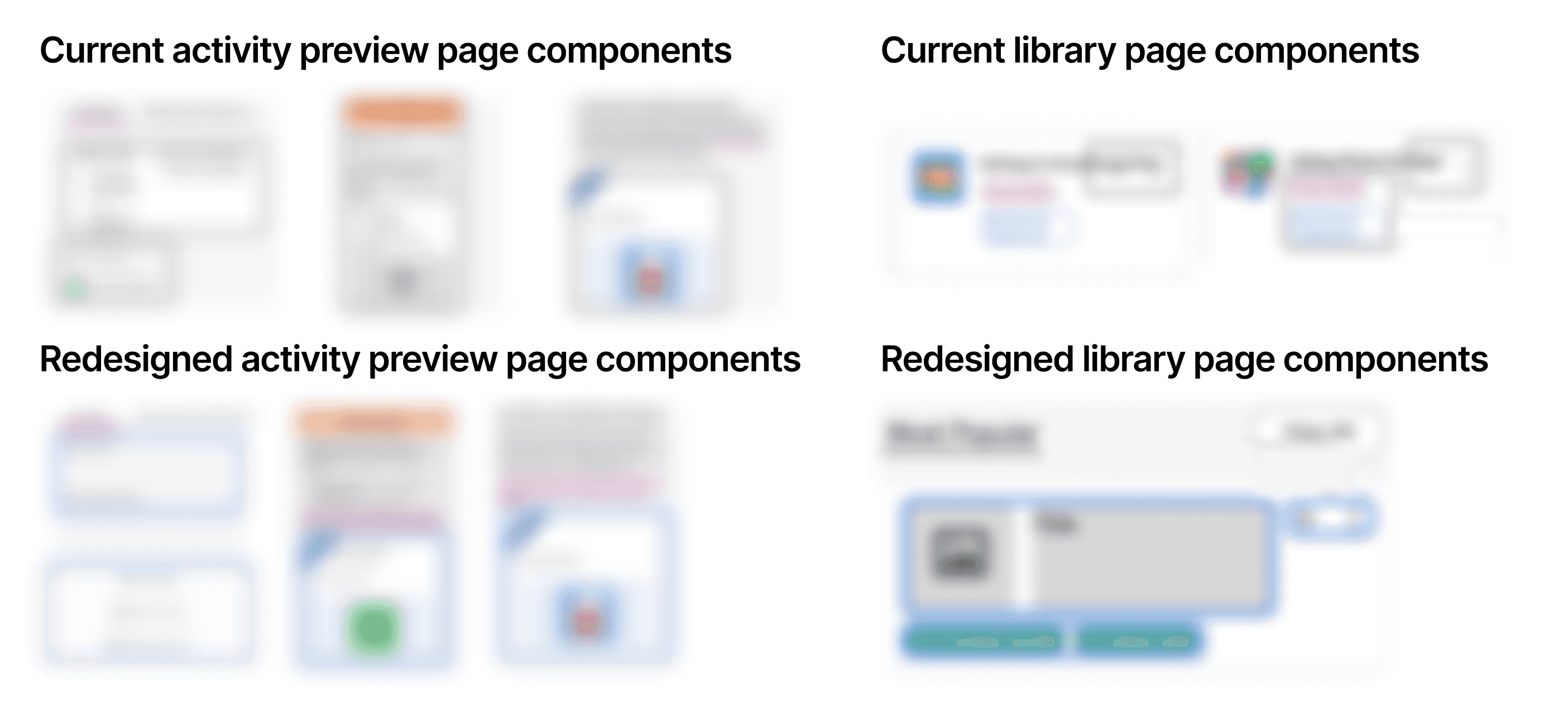
🛠️ Key enhancements include column and alignment changes, matching max width
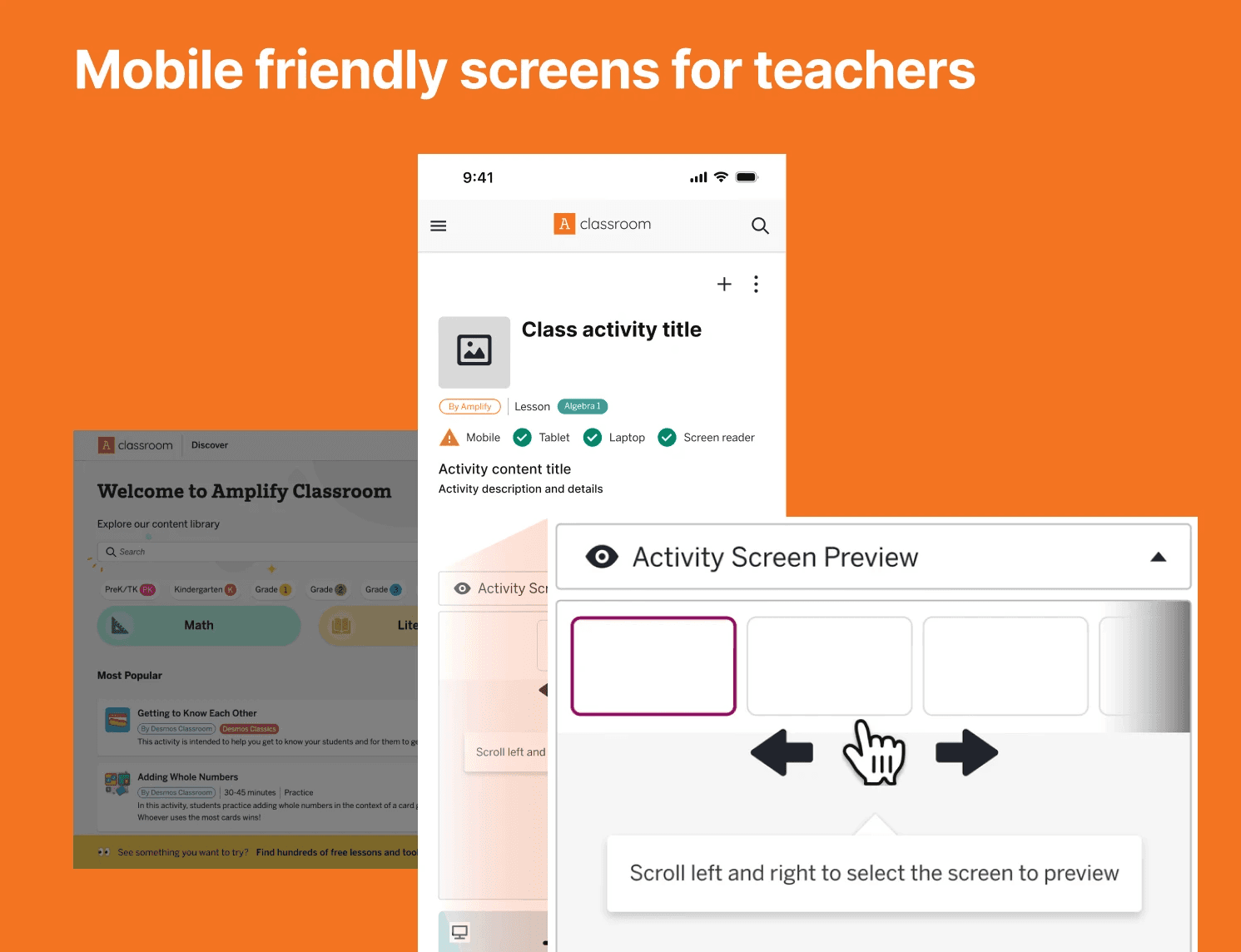
Solution #2
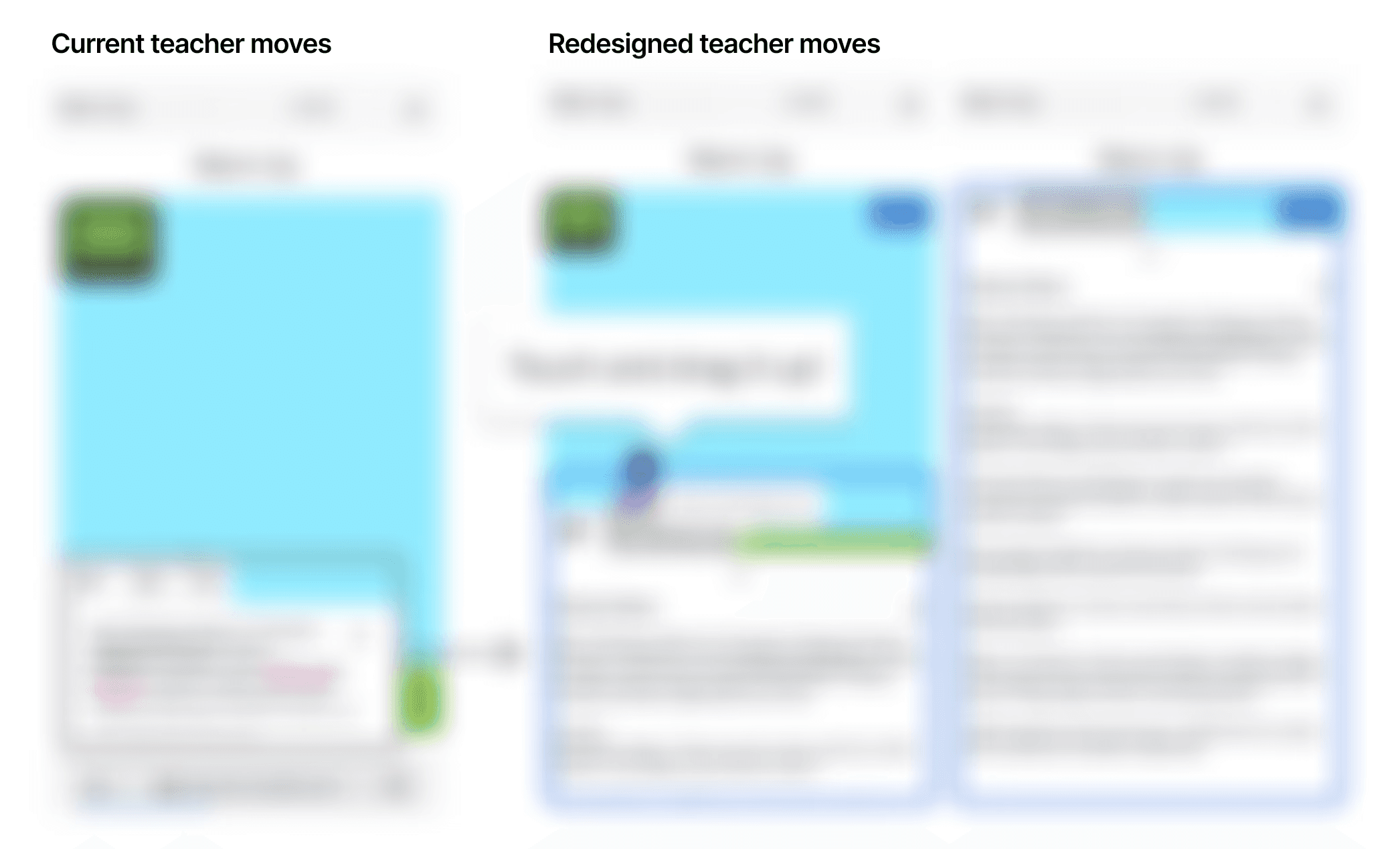
'Activity Screen Preview' for less scrolls
🛠️ Designed a new dropdown to let users preview activity screens quicker

The design iteration and decision rationale
Iteration #1
Auditing current user flows & competitors
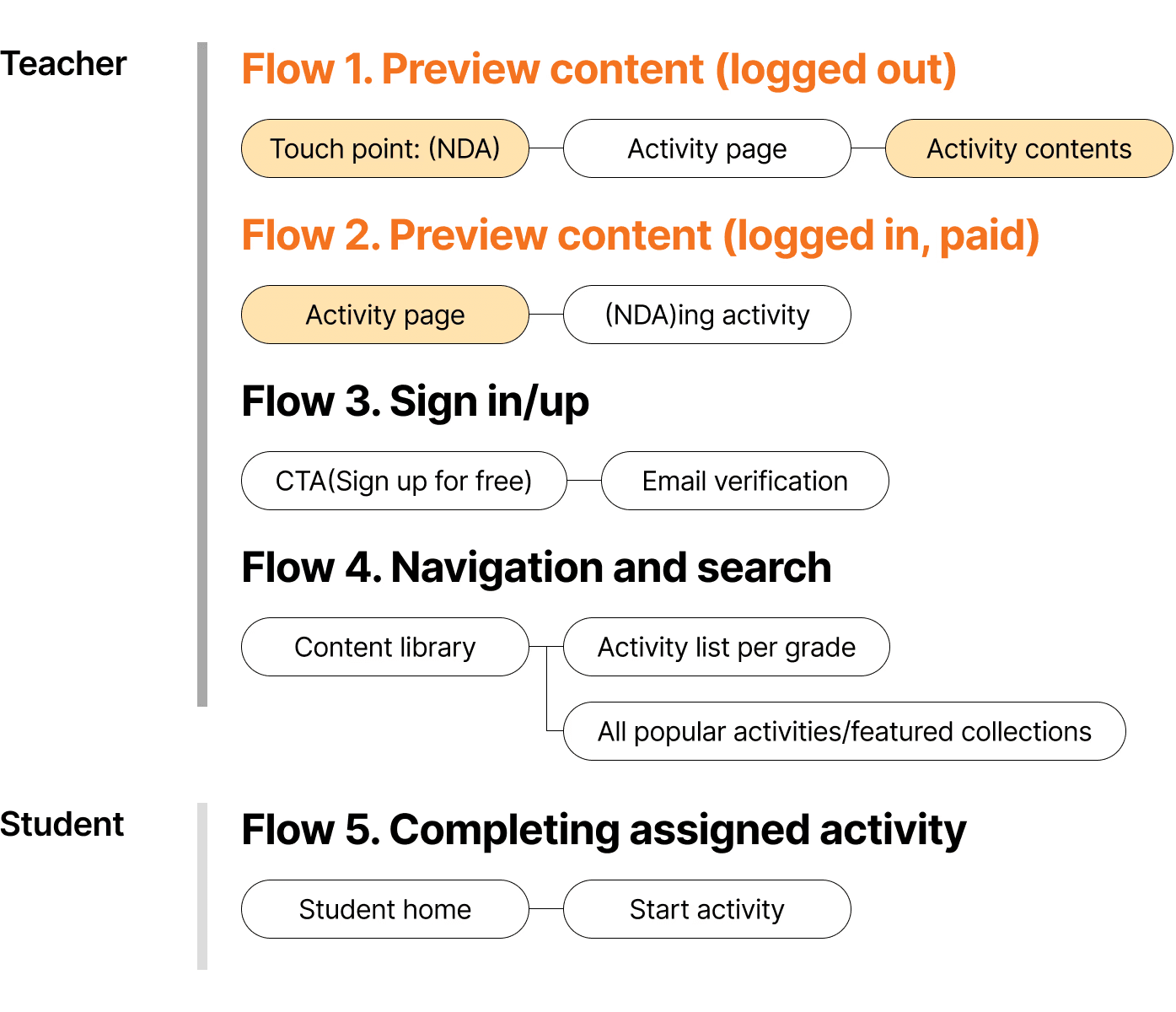
I audited 5 user task flows in the shoes of teachers and students
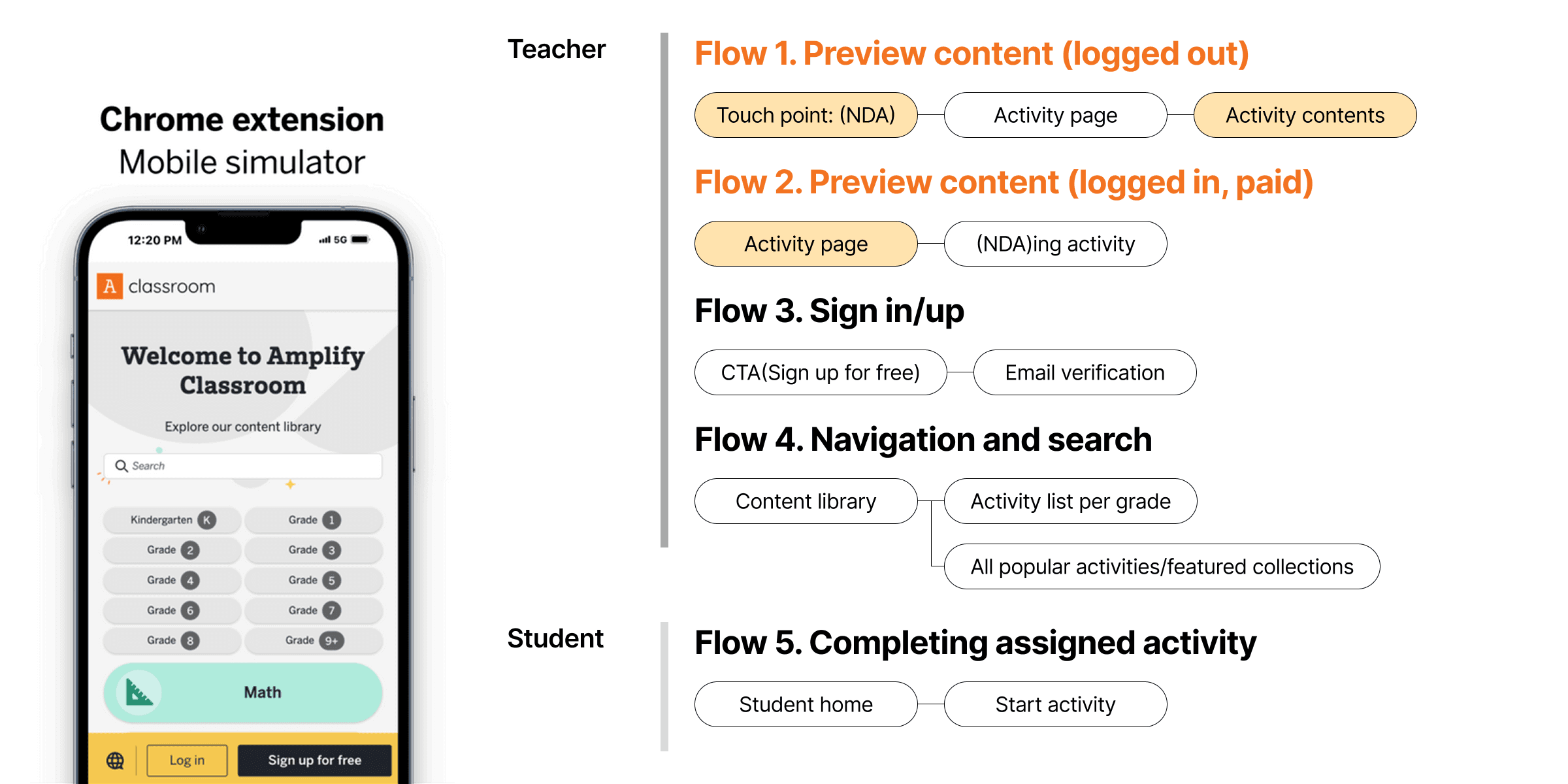
and 5 competitors to see how we are doing better and what to learn from them

Iteration #2
Setting the design direction based on audits
I could set the redesign priority based on the audits of the user flows and competitors
What to excel
What to enhance

Iteration #3
Making redesign decisions
I could set the redesign priority based on the audits of the user flows and competitors
Optimize components for mobile screens
Pull out information hidden in depths

Key takeaways
Learned about Amplify Classroom's user flow and design rationale from our senior PM
Learned how to pitch design decisions to the team from my manager⭐️(Senior product designer)
Learned the importance of comprehensive skills in terms of auditing a large product
Check out more projects!


🤳🏼"I want to check new activities on the go"
- K**, 3rd grade teacher
🤳🏼"I want to check new activities on the go"
- K**, 3rd grade teacher
👨🏻💻"I'm not always with my laptop, you know."
- D***, 6th grade teacher
..And that's why we need mobile strategy!
Teachers will do more tasks on their phones
Teachers will do more tasks on their phones
In SY(NDA), (NDA)% of Amplify users completed their task on mobile devices
Mobile device usage is expected to rise beyond the current (NDA)% as Amplify Classroom will be launched
We need to make the user experience consistent to prepare for more mobile usage
What do we need to fix for our teachers?
Teachers will do more tasks on their phones
Teachers will do more tasks on their phones
Issue #1
"Can you fix some broken screens?"
- K**, 3rd grade teacher
"Can you fix some broken screens?"
- K**, 3rd grade teacher
⚠️ Some distorted components in activity pages and lists needed to be fixed
"Can you fix some broken screens?"
- K**, 3rd grade teacher
Issue #2
"Some contents are hidden and I get confused."
- D***, 6th grade teacher
⚠️ Some essential contents required extra clicks and scrolls to see, hidden in depths
How I made
Amplify Classroom mobile friendly
Solution #1
Enhancing components in class activity screens
🛠️ Key enhancements include column and alignment changes, matching max width
Solution #2
'Activity Screen Preview' for access within less scrolls
🛠️ Designed a new dropdown component to place in the beginning section to let users preview activity screens quicker
The design iteration and decision rationale
The design iteration and decision rationale
Iteration #1
Auditing current user flows & competitors
I audited 5 user task flows in the shoes of teachers and students
and 5 competitors to see how our current user flow is better and what to learn from them
Iteration #2
Setting the design direction based on audits
I could set the redesign priority based on the audits of the user flows and competitors
What to excel
What to enhance
Iteration #3
Deciding the screens and components to redesign
Optimize components for mobile screens


Pull out information hidden in depths
Key takeaways
Learned about Amplify Classroom's user flow and design rationale from our senior PM
Learned how to pitch design decisions to the team from my manager⭐️(Senior product designer)
Learned the importance of comprehensive skills in terms of auditing a large product
Check out more projects!